
Setup
Setup - How to install
This Guide will show you how to Download the Modpack and Modpack Image and how to Import them into the Curseforge App.
The Modpack has Multiple Versions available. Please only select the one you need to install, normally this is the Client version.
Images can vary to your experience depending on the Version you selected and due to different Pre-Setup.
WARNING: The TPE (Test Program Environment) Version is only available for selected users and has no public version!
Downloading the Modpack
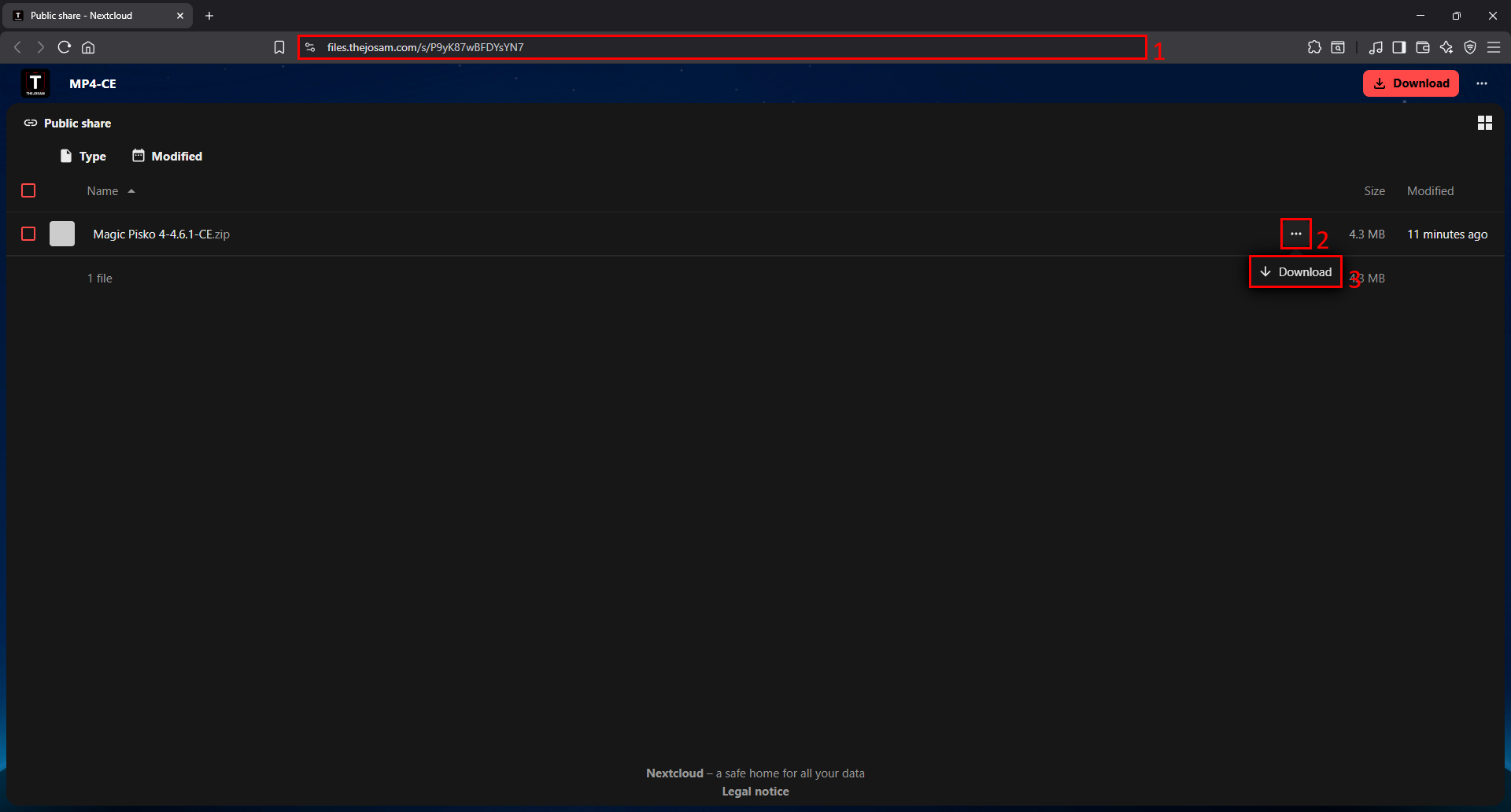
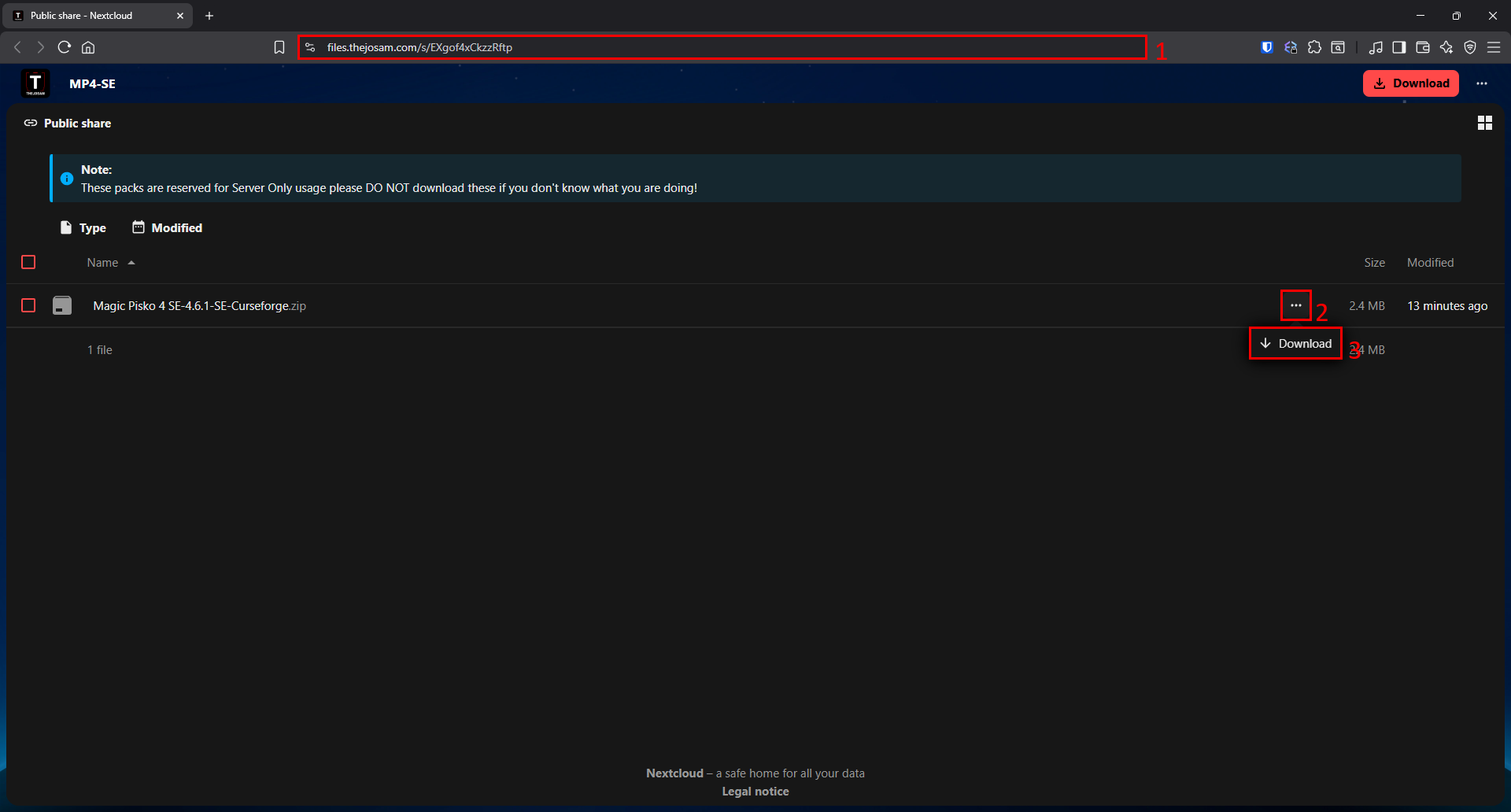
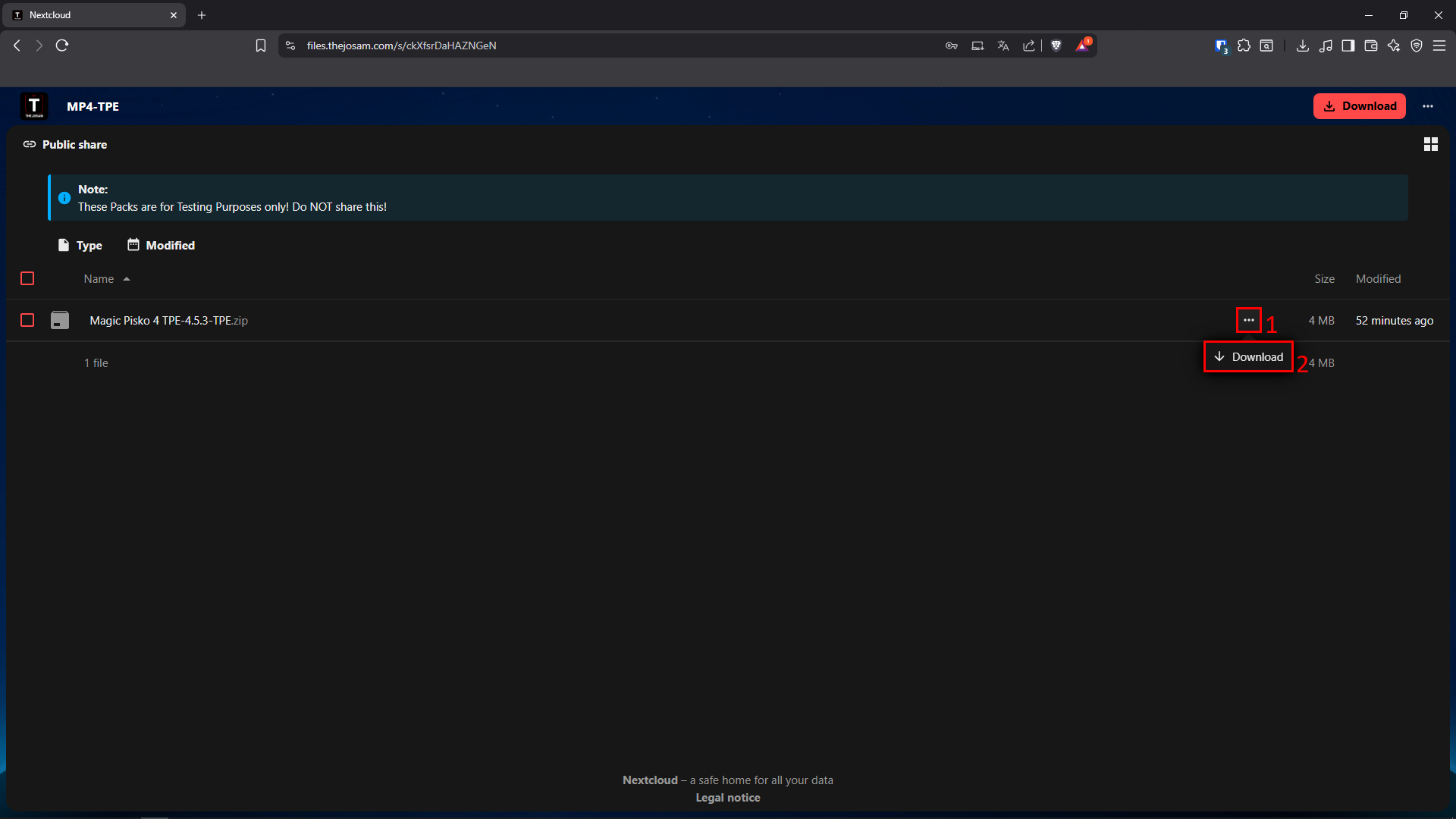
1 - To Download the Modpack you just need to open the specified Link in the Discord Server, and download the newest version:
In this guide we will use the TPE Version for all Setup steps, but you can simply apply these to the Client Version and Server Version (Curseforge) as well, just ignore the TPE and continue with CE or SE as follows.
Client Edition [CE]
Client Version is recommended and required for all Players
Server Edition [SE]
The Server Version should only be used to host a Magic Pisko 4 Instance and comes in two variants: Curseforge and Raw please contact TheJoSam Gaming for further information.
Test Program Environment [TPE]
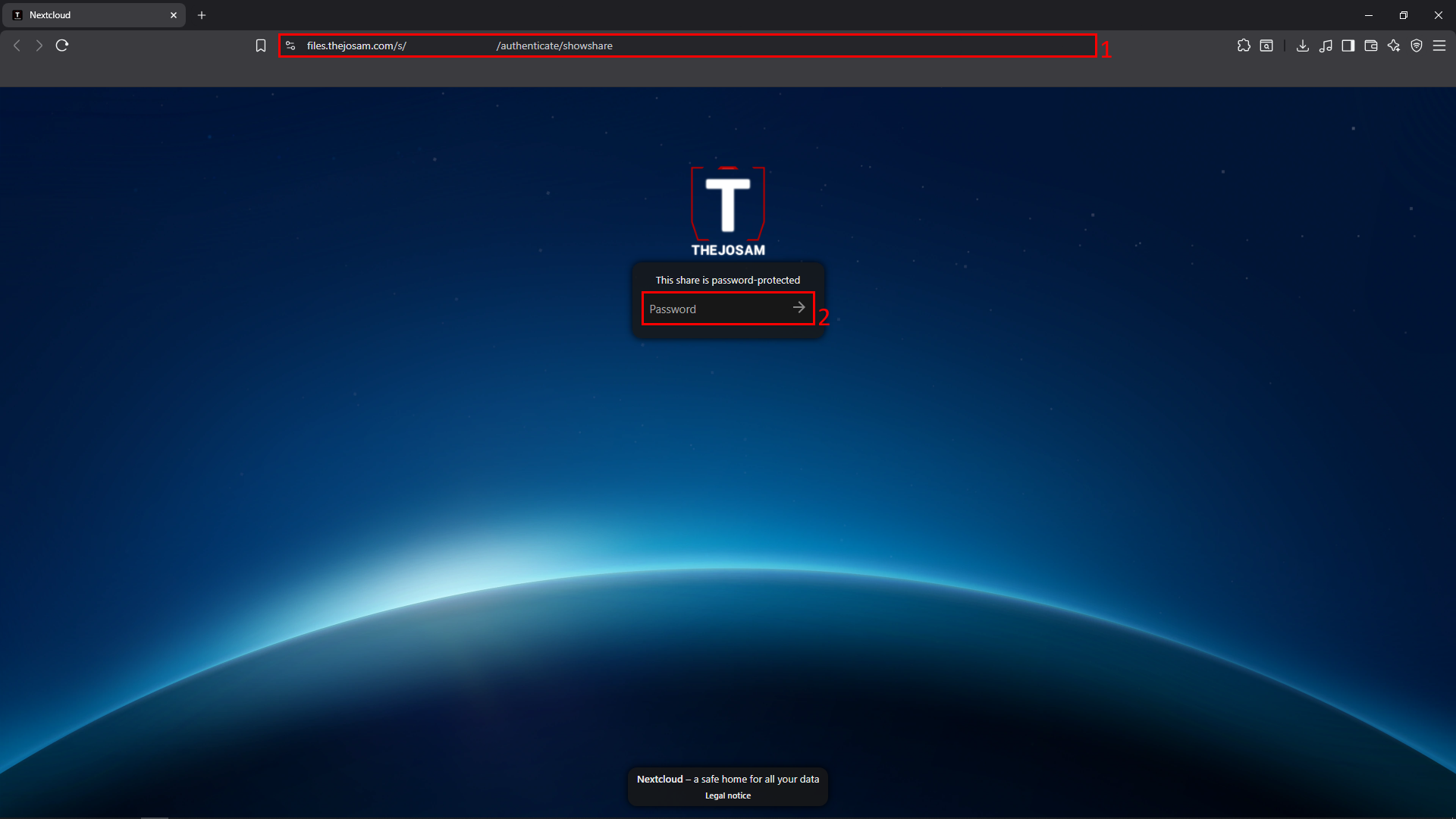
TPE Versions are Password-Protected please ensure that you have received this Password before you continue!
Save this File in a secure location
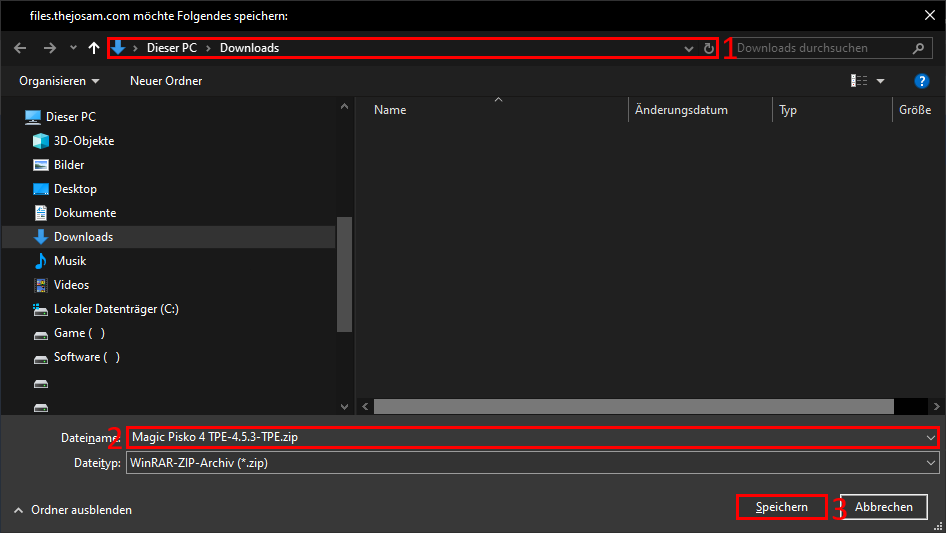
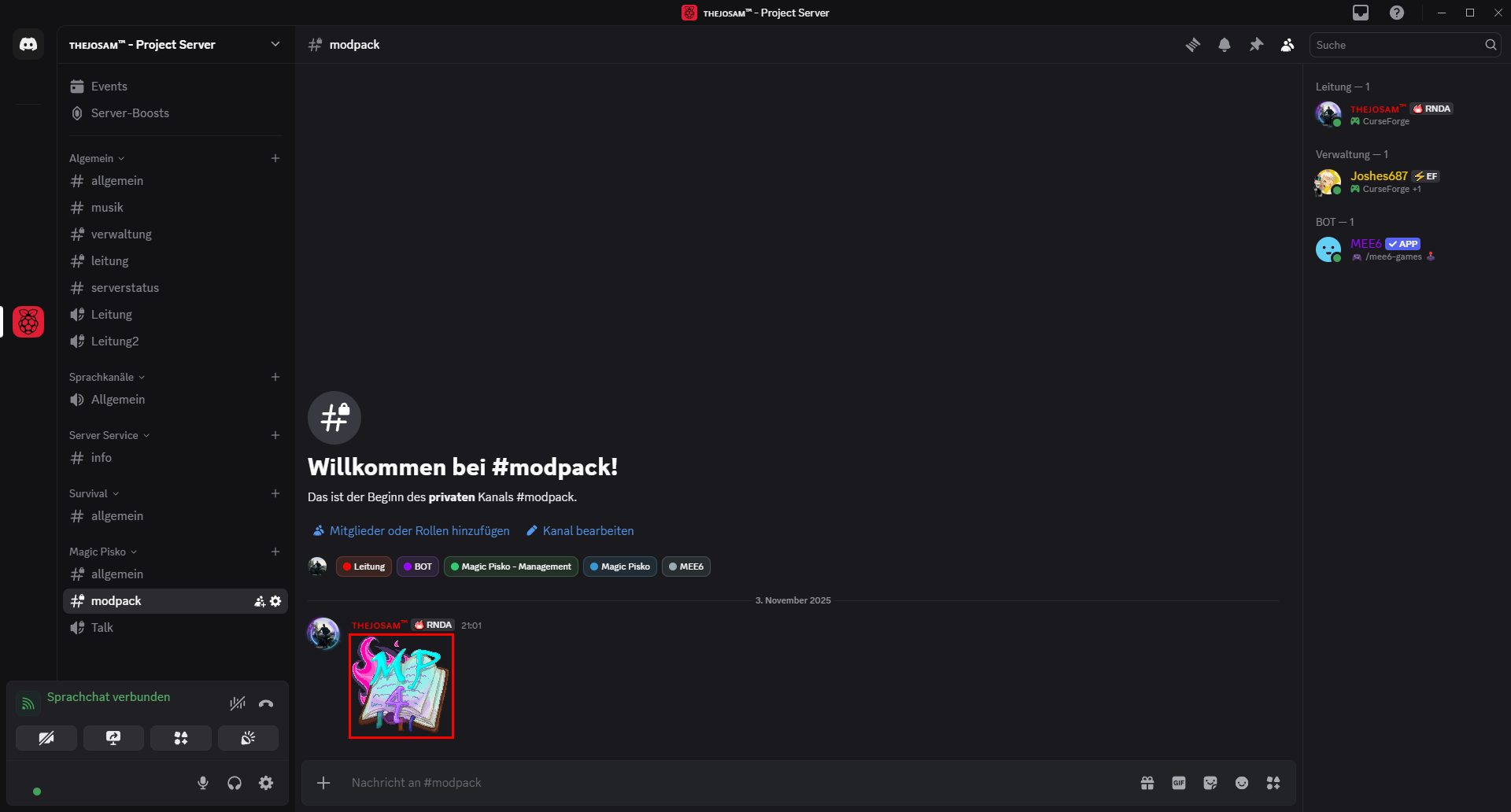
2 - You should also Download the Image provided in the channel as Curseforge does not allow Images to be shared.
Images can also be found in the finished Curseforge Profile, so you can later navigate in the Folder and select them from there (No Instructions are given for this approach and it is not recommended to do this!)
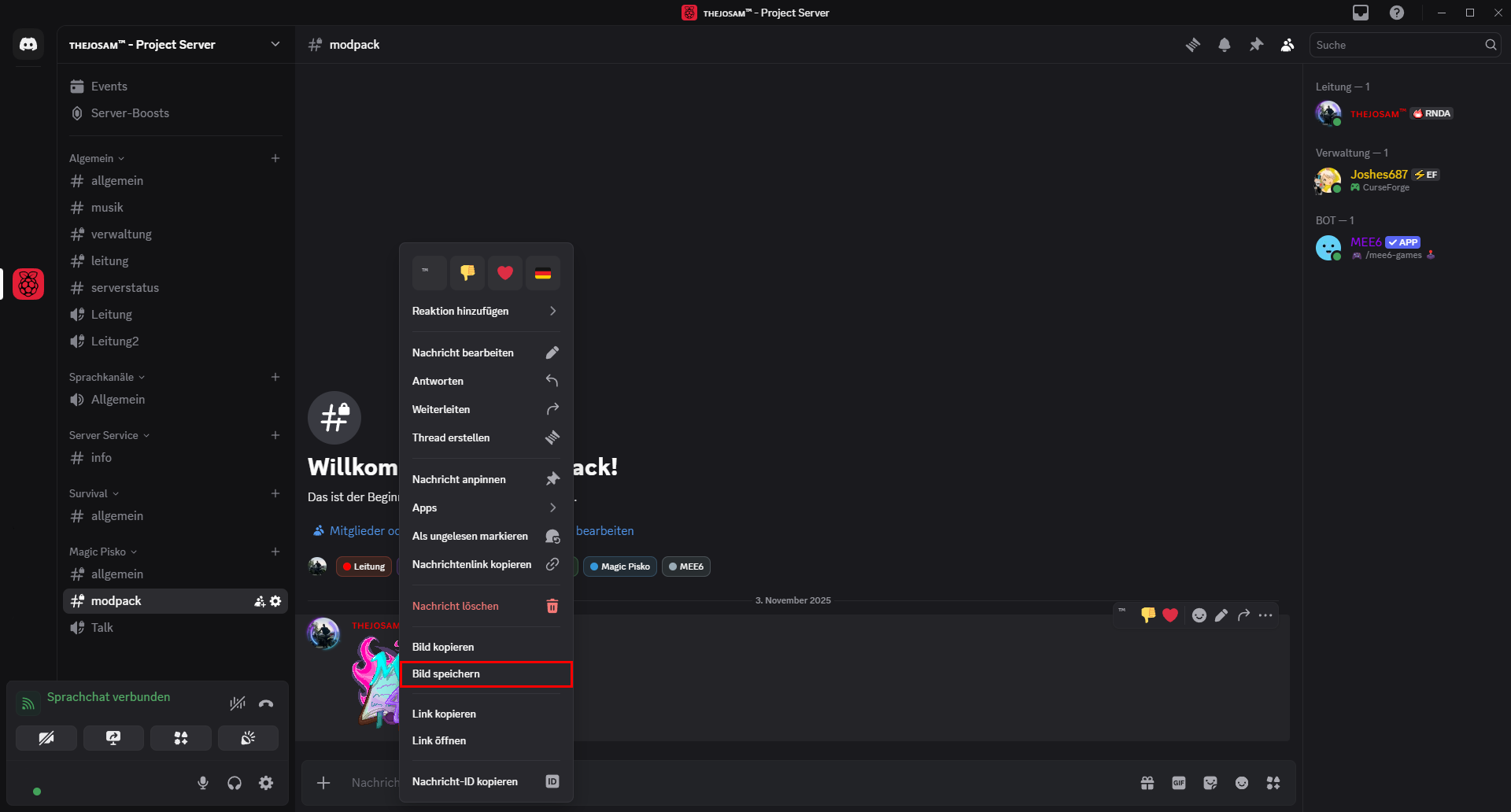
Import the Modpack
This section assumes that you have already installed the Curseforge App and are Logged In
3 - Open you Curseforge app
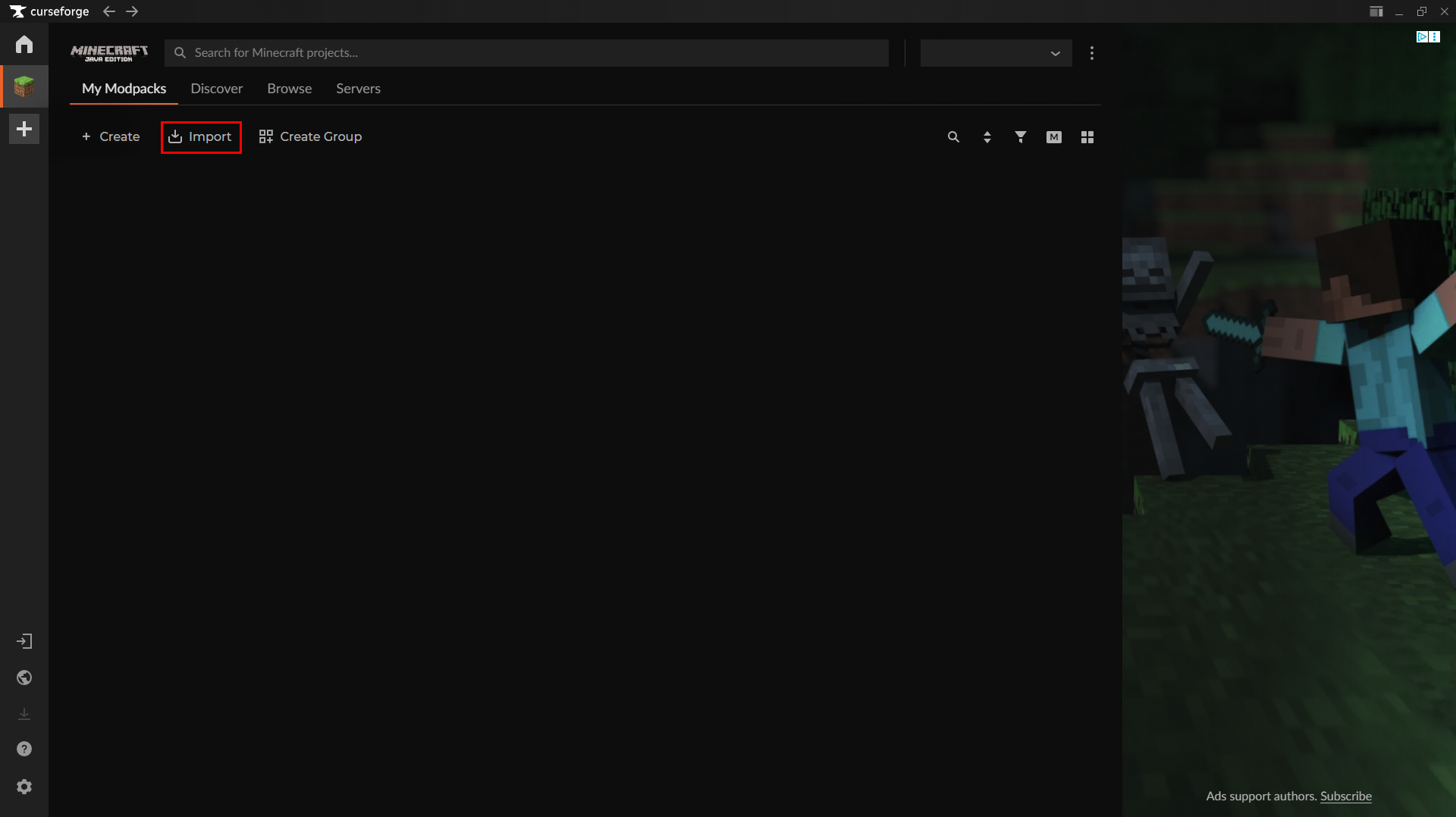
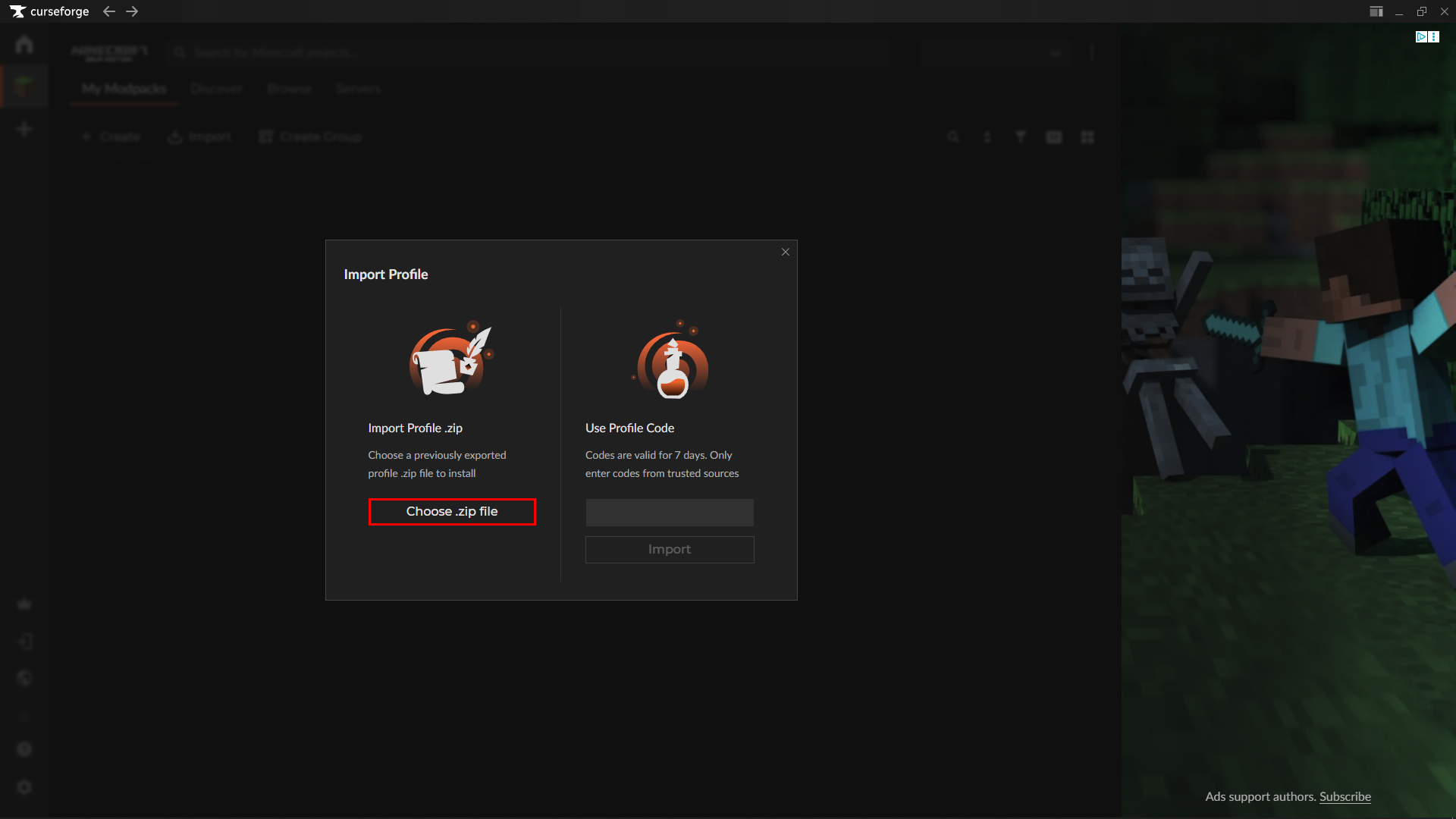
4 - Finalizing Import
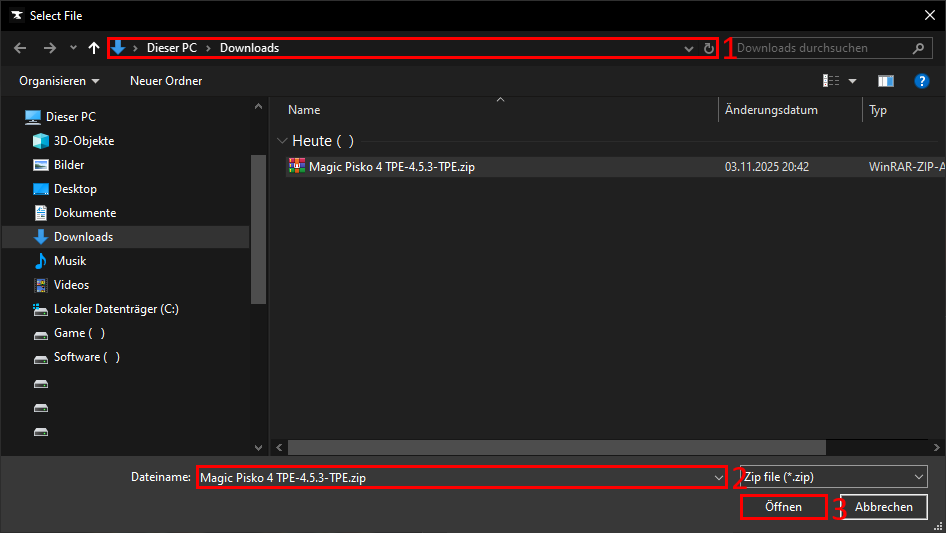
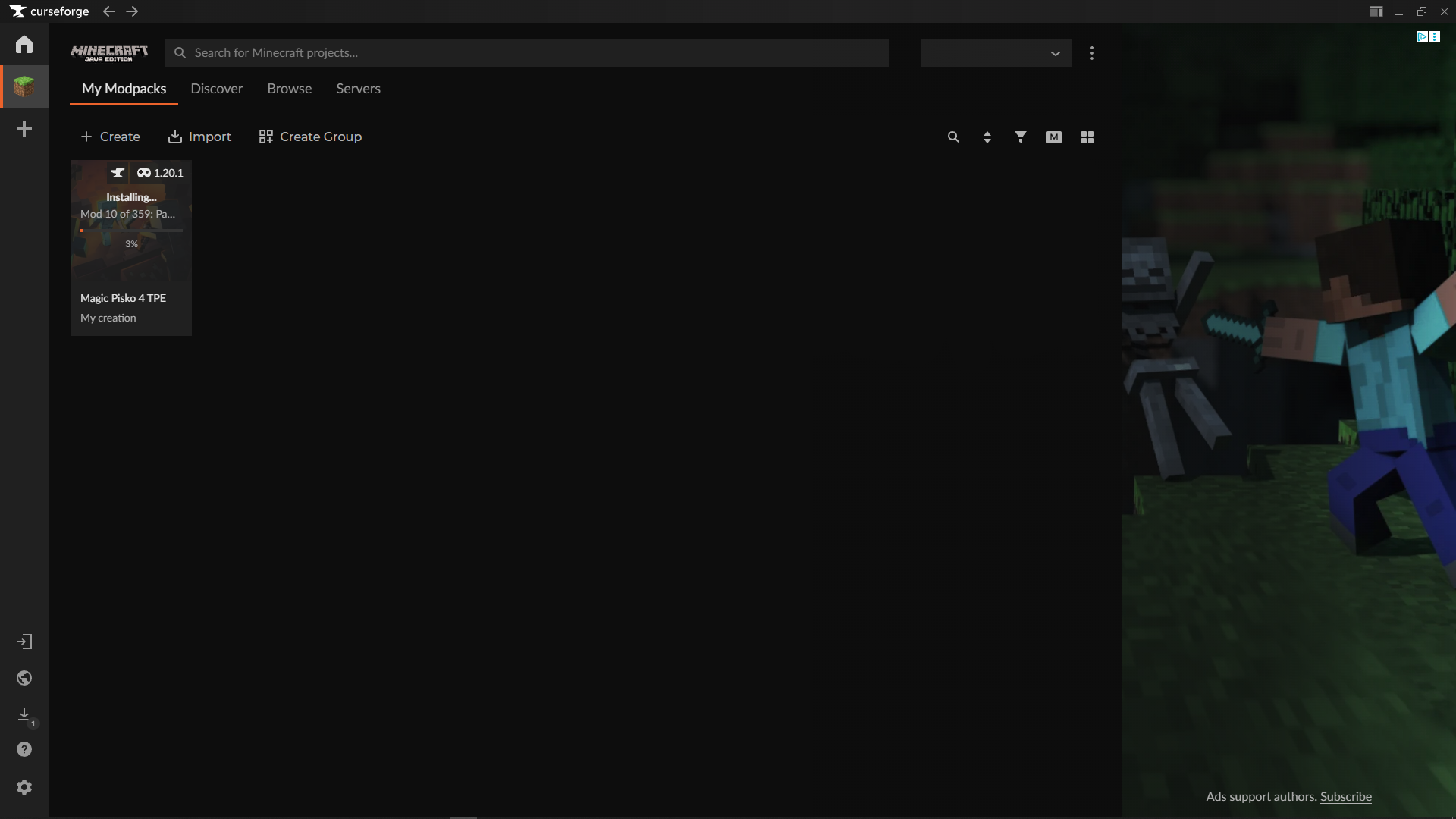
Wait until the Modpack is completely setup by Curseforge before continuing
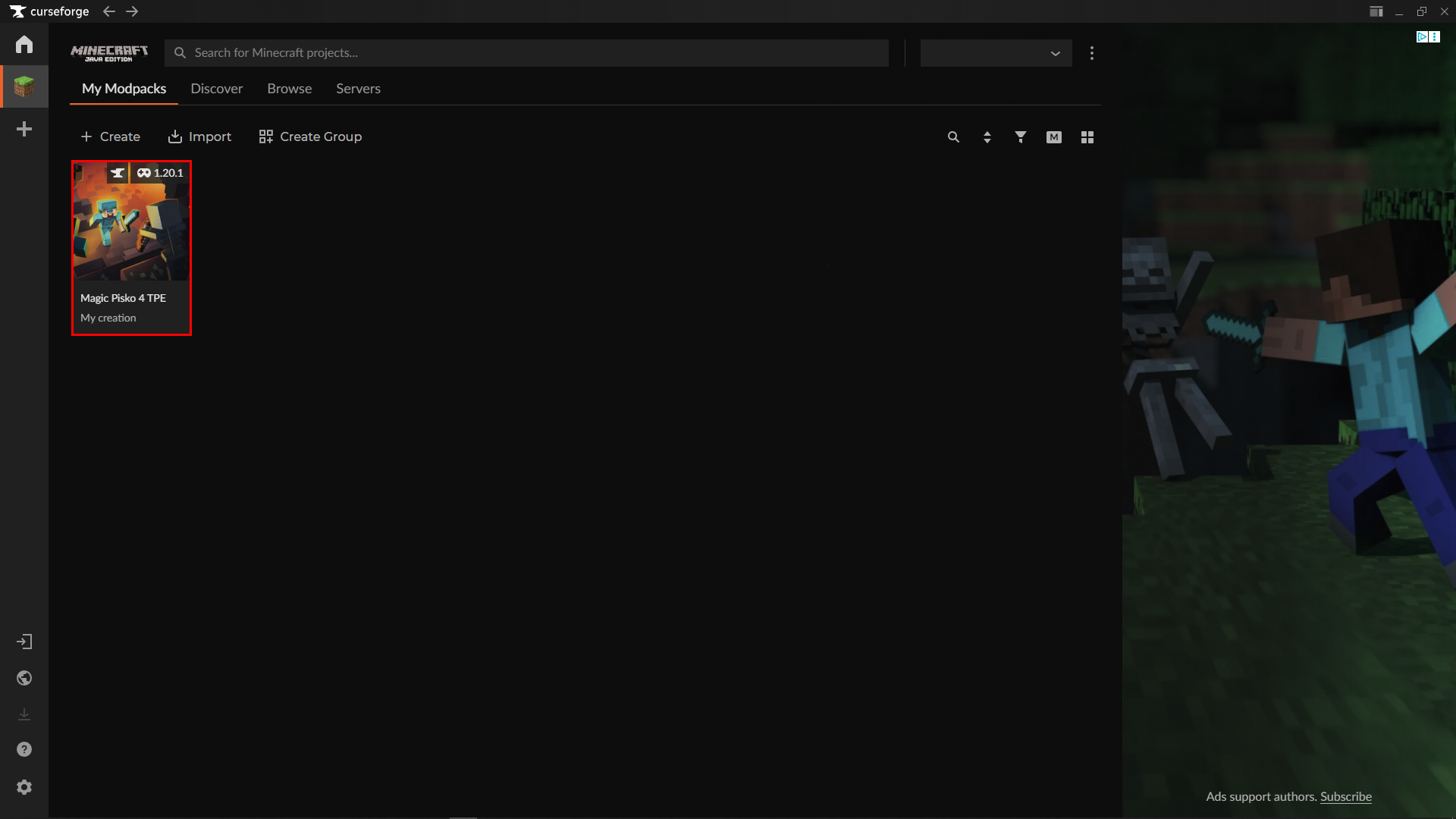
Finalizing the Modpack options for optimal Gameplay
You could already play the pack, but this is not recommended as some optimizations should be done before continuing.
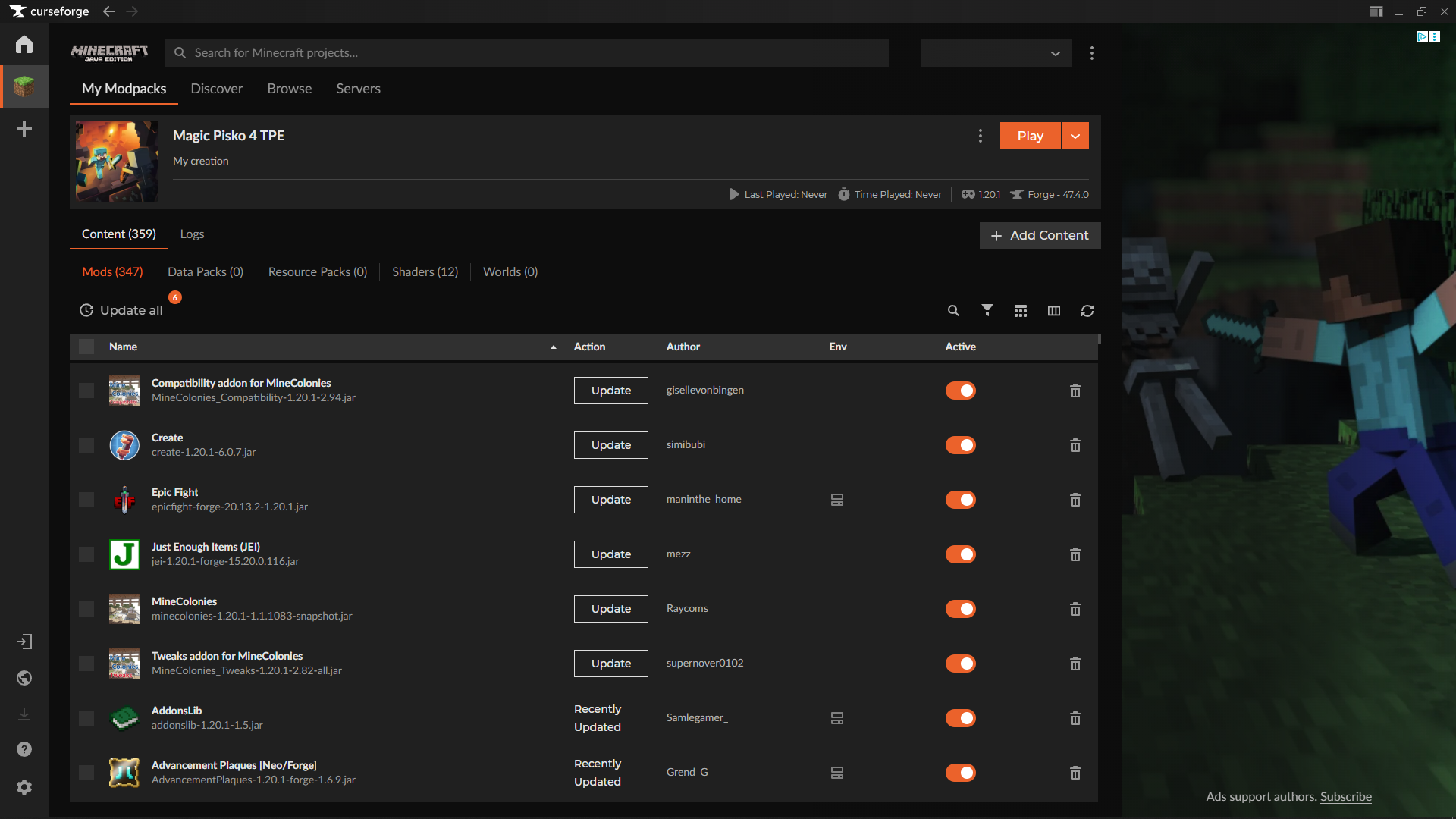
5 - Disabling Content Management
Content Management is not allowed on Magic Pisko 4 but Curseforge turns this on by default so it is recommended to disable it to not risk damaging the pack.
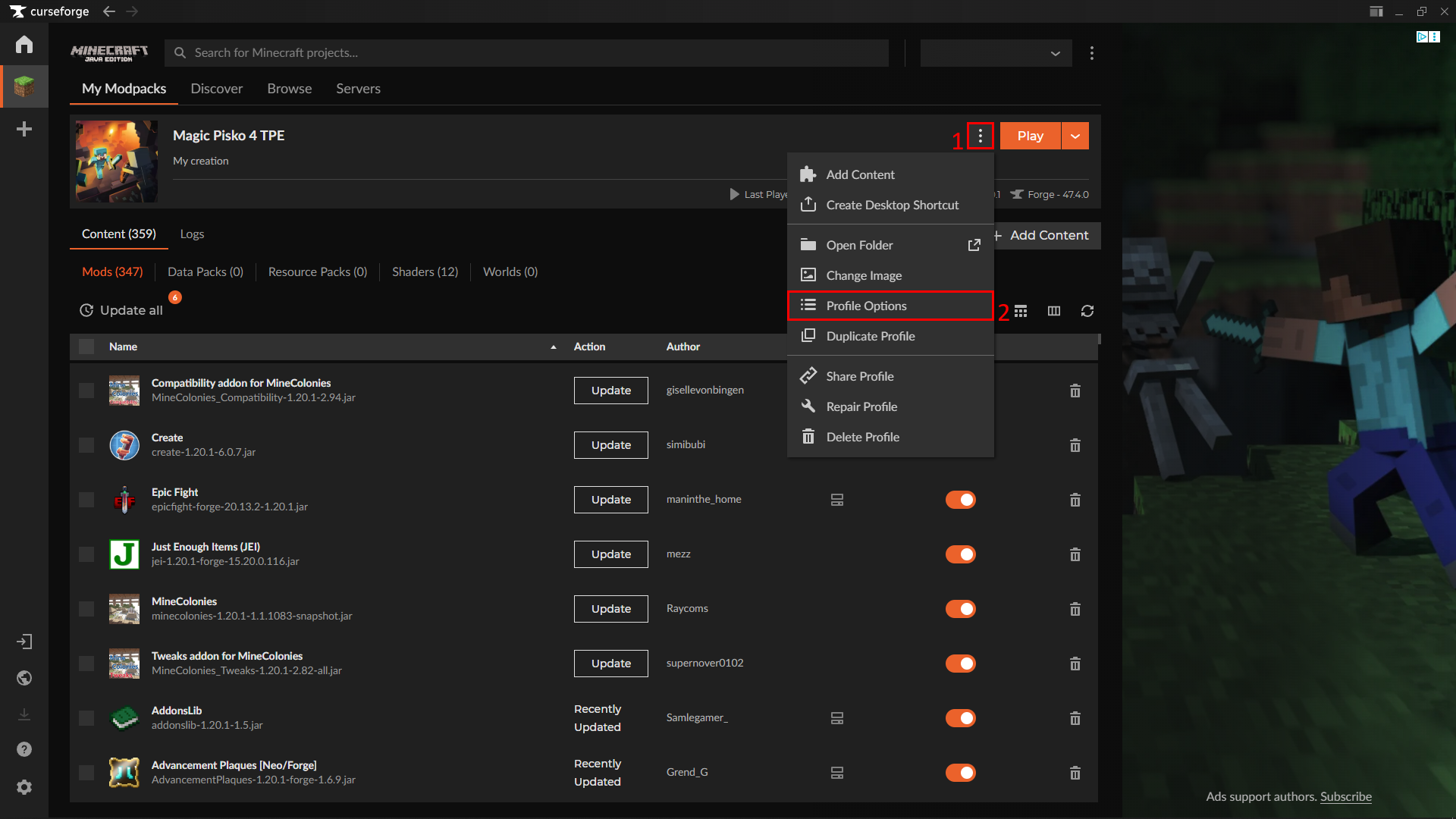

6 - [OPTIONAL] Change Allocated RAM
If you have more than 16GB RAM available on your Machine please make sure to increase this setting to make sure you get the most out of your Specs
Do not change this setting from our recommendation if not needed! (16GB RAM available)
Change for this Modpack only
This is the recommended way as not every Pack is made for high RAM Allocation
Do not change this Option over 50-65% from your available Memory as this can cause stability issues and dangerous behavior like buffer overflows!
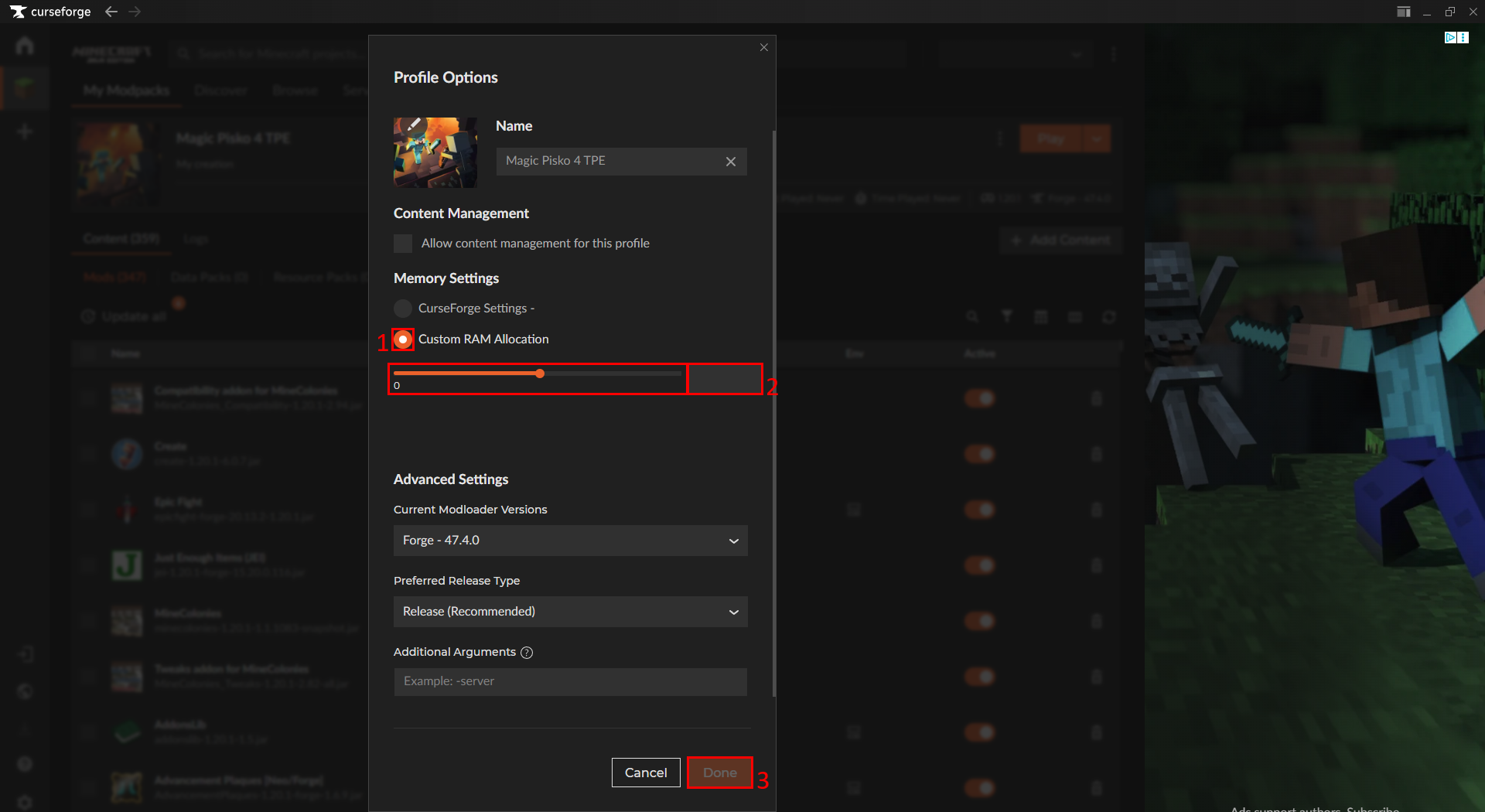
You can eighter slide the Slider till your desired RAM setting is reached or you can enter the desired amount in the Field next to it.
Change for all Curseforge Modpacks
Do not change this Option over 50-65% from your available Memory as this can cause stability issues and dangerous behavior like buffer overflows!
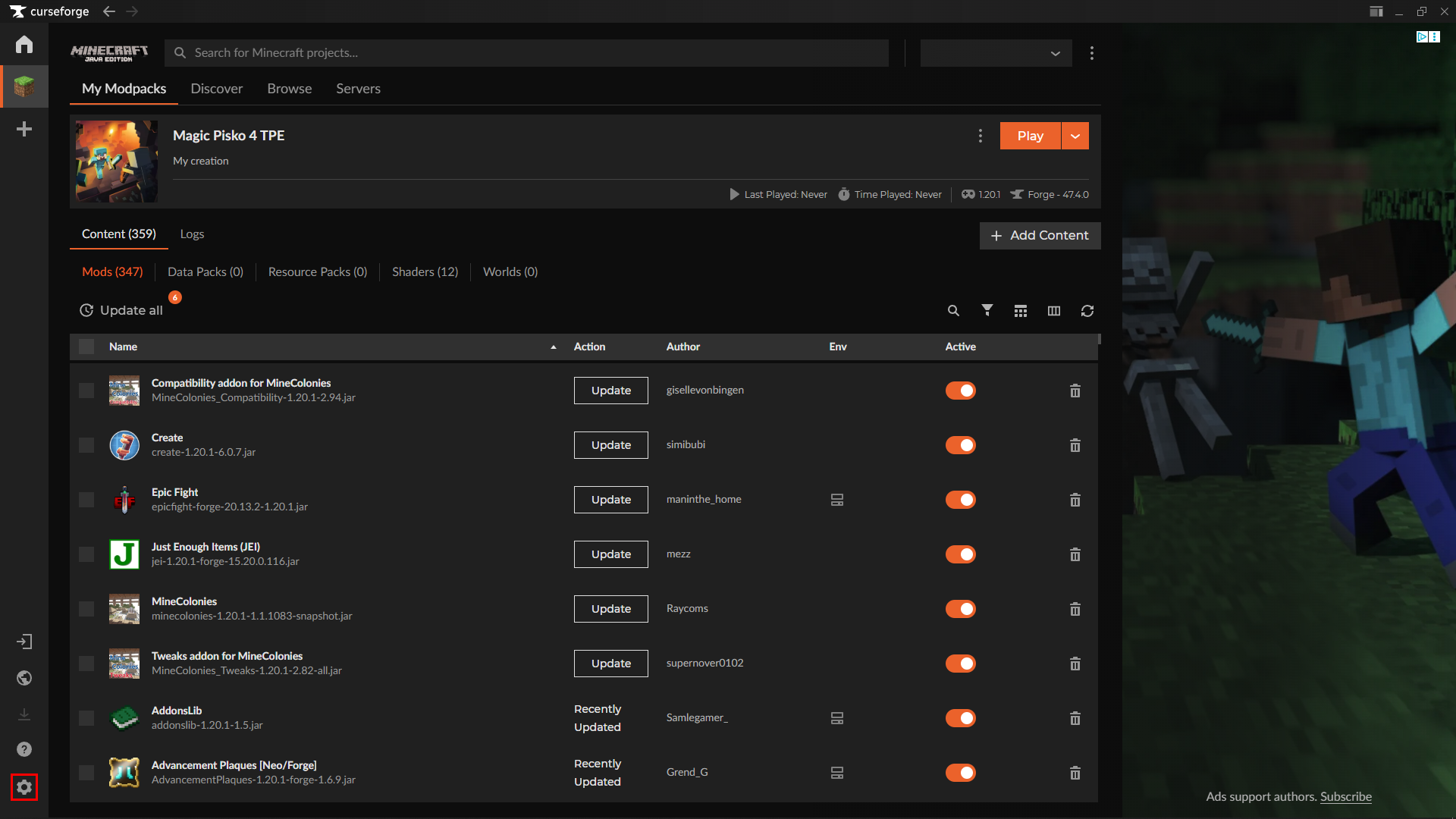
Open the Curseforge Settings by clicking on the Cog in the bottom left corner.
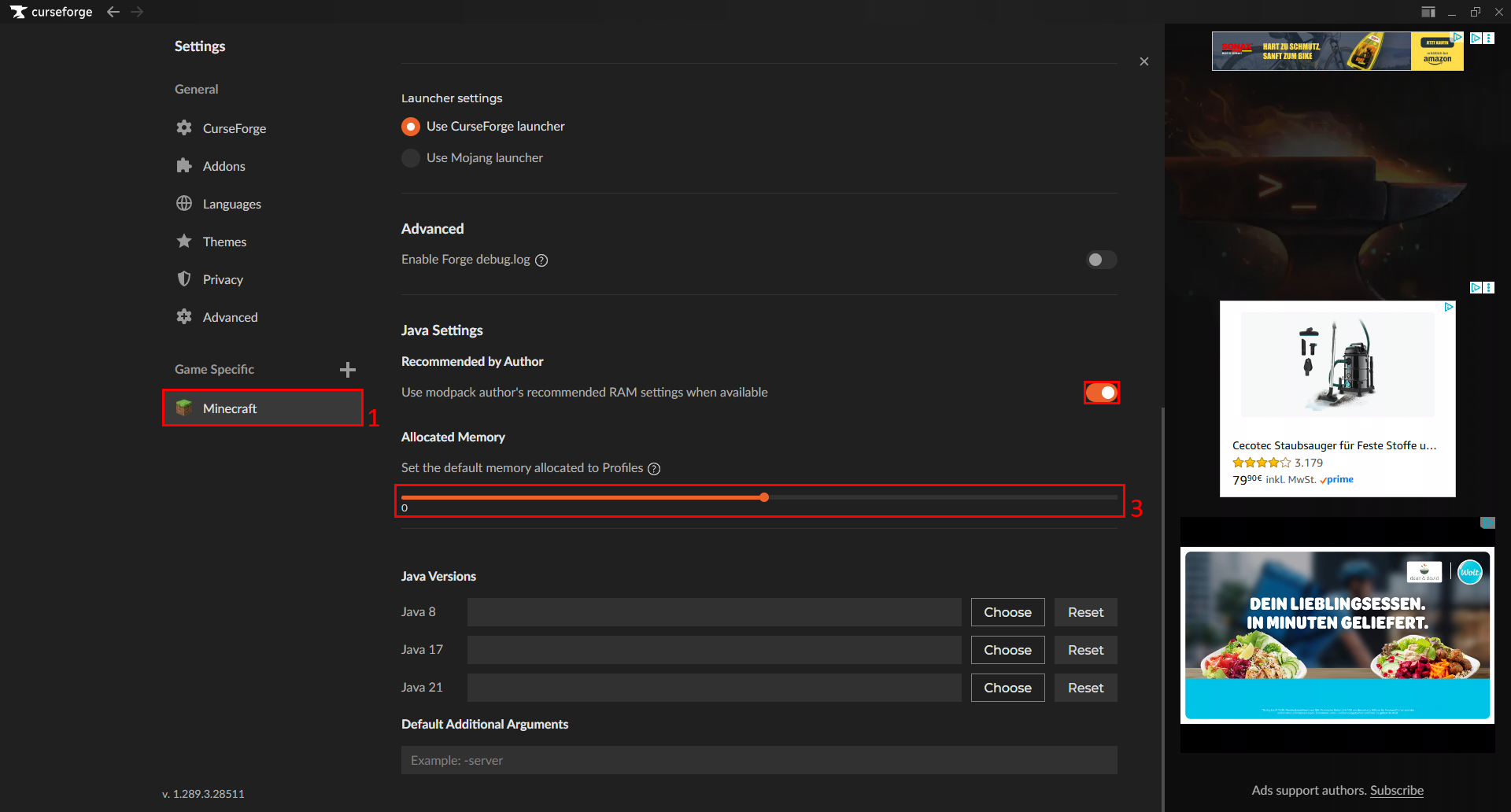
Click on Minecraft and scroll down until you see Allocated Memory. You can now choose the Allocated Memory to Minecraft. (If not enabled by default it is advised to enable Recommended by Author as this ensures you have the recommended RAM settings for every Pack if you don't overwrite it manually.)
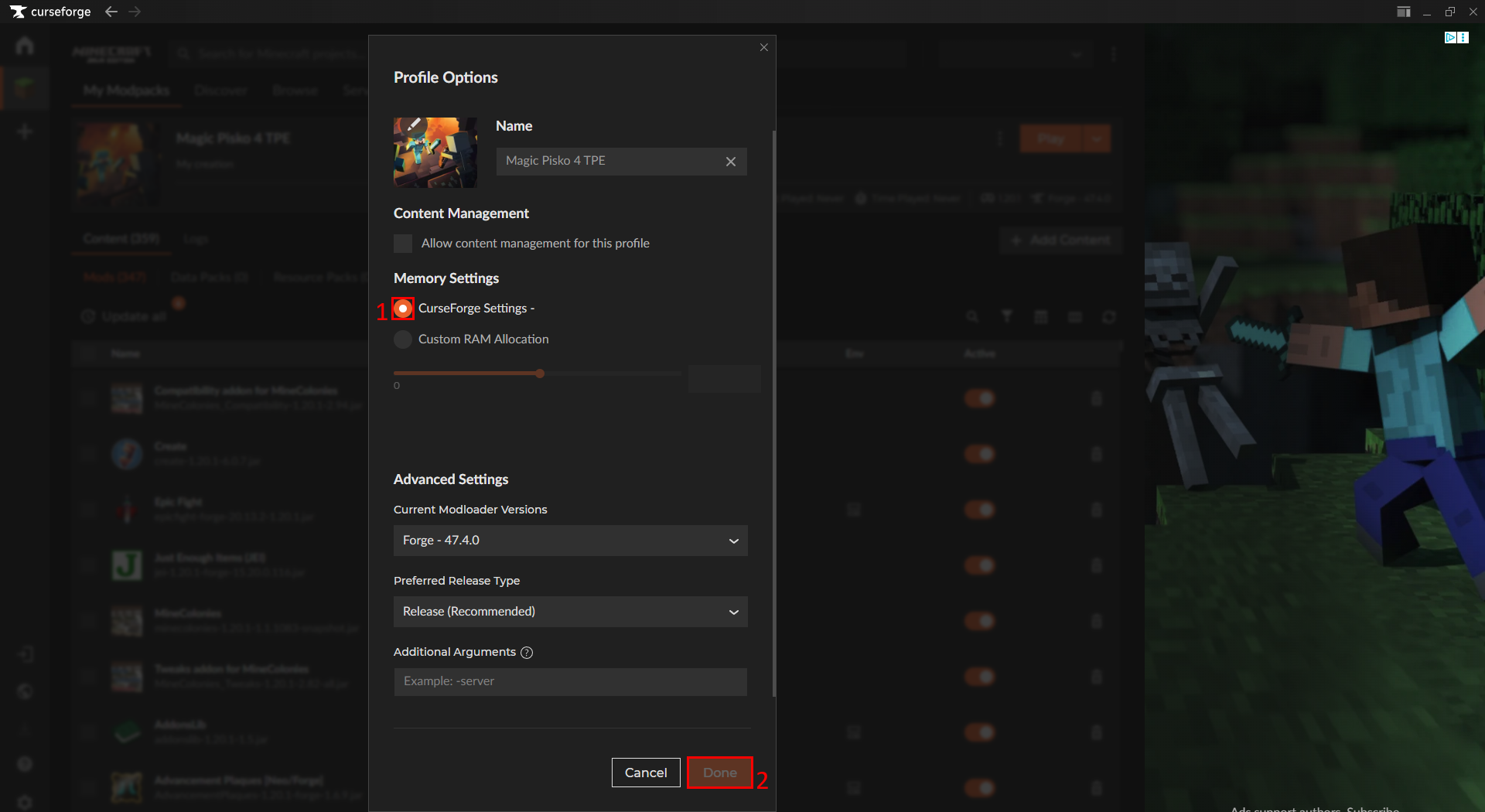
Change the Setting inside the Pack to use your Amount inside your Curseforge Settings.
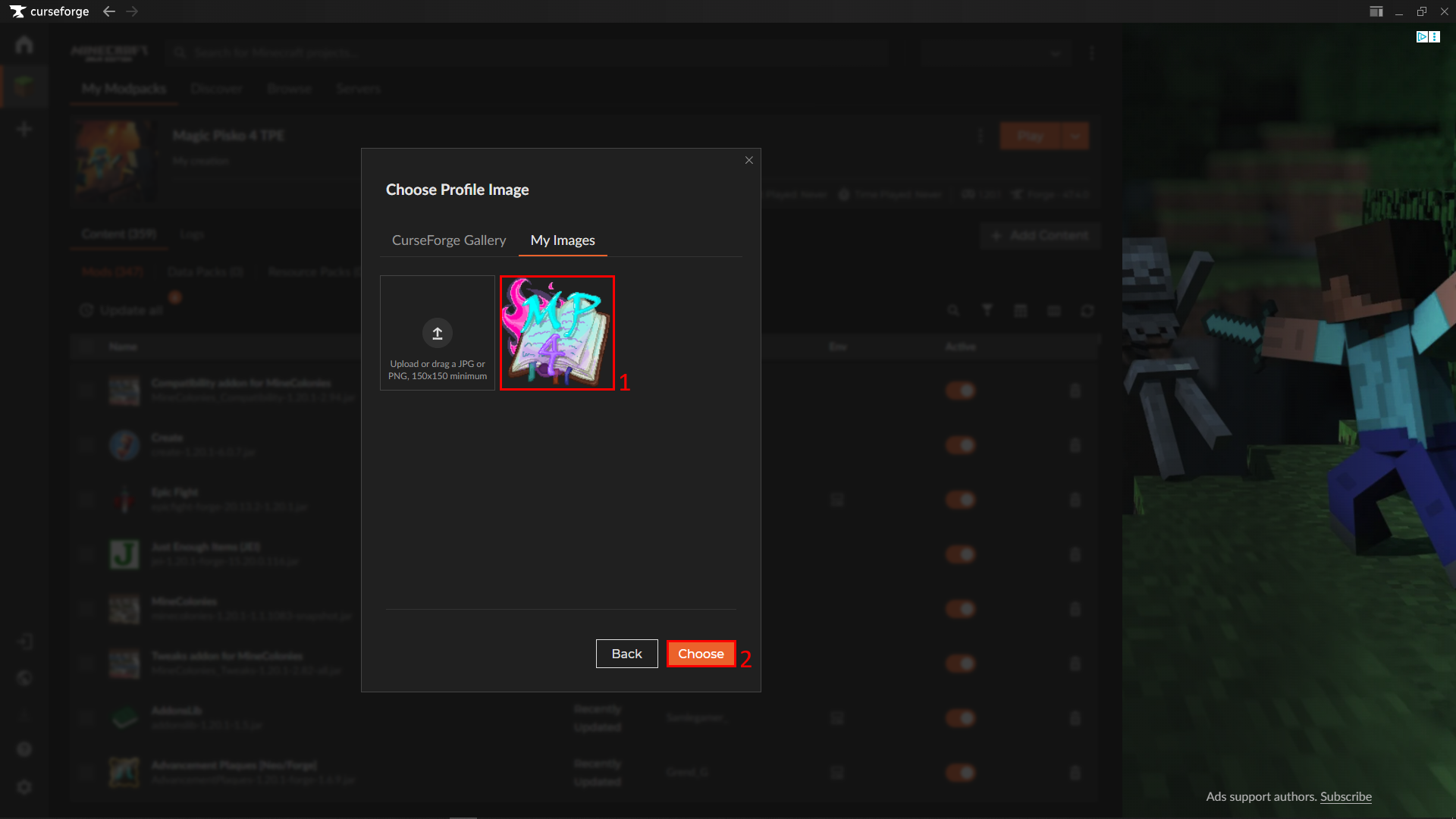
7 - Import Image
Magic Pisko 4 has a new Logo created by chx4in and it is recommended to import this Logo into Curseforge
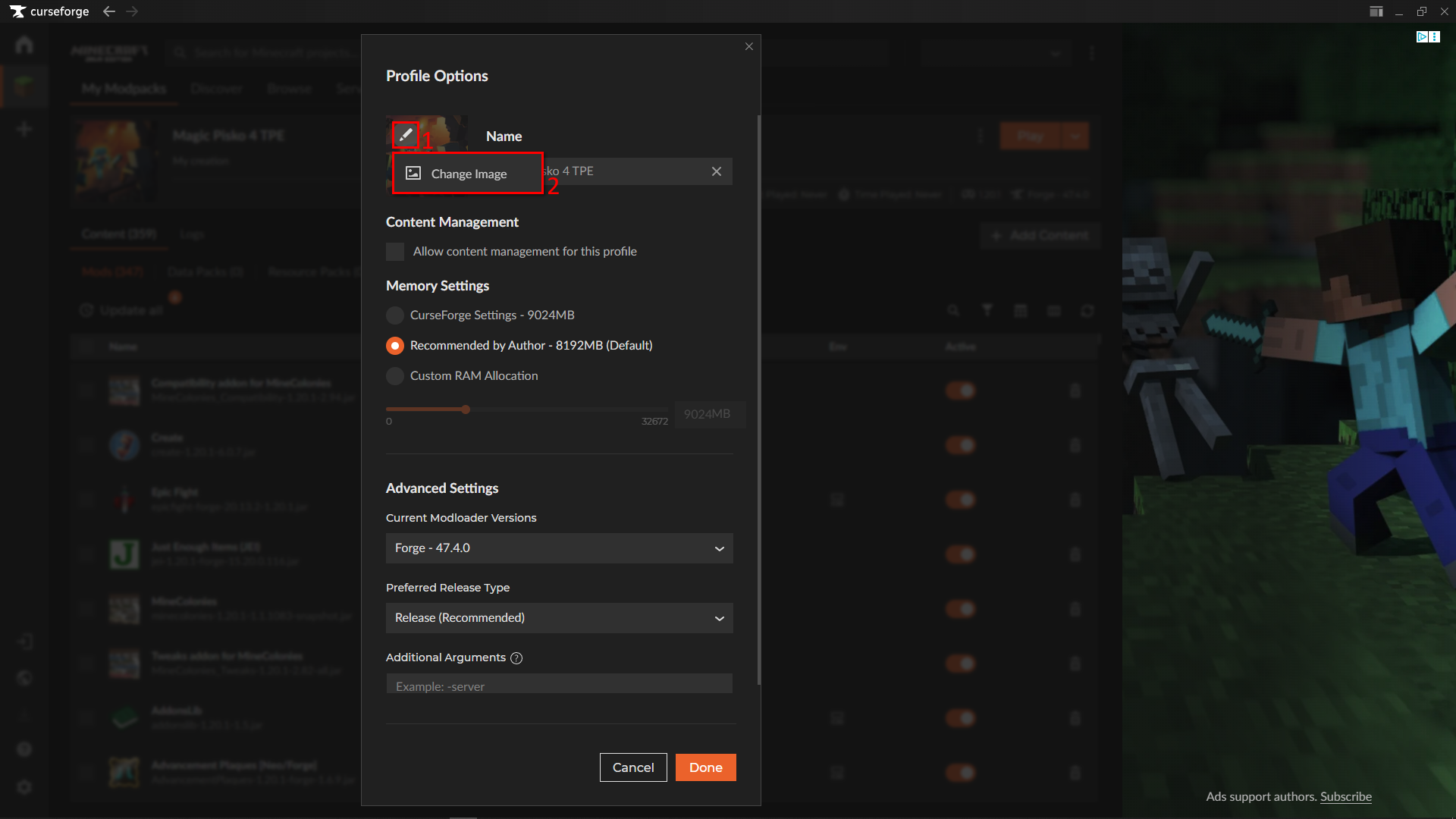
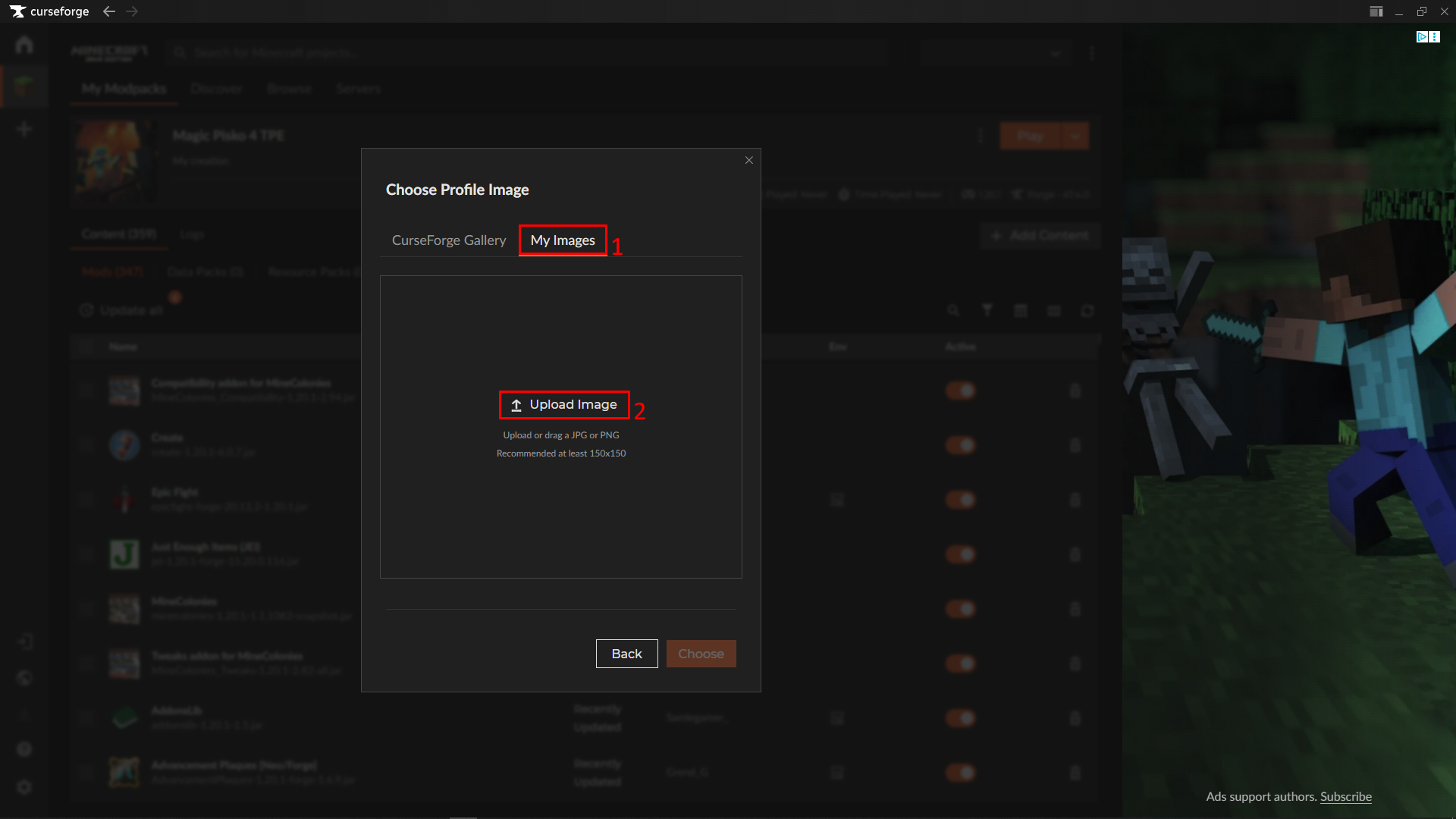
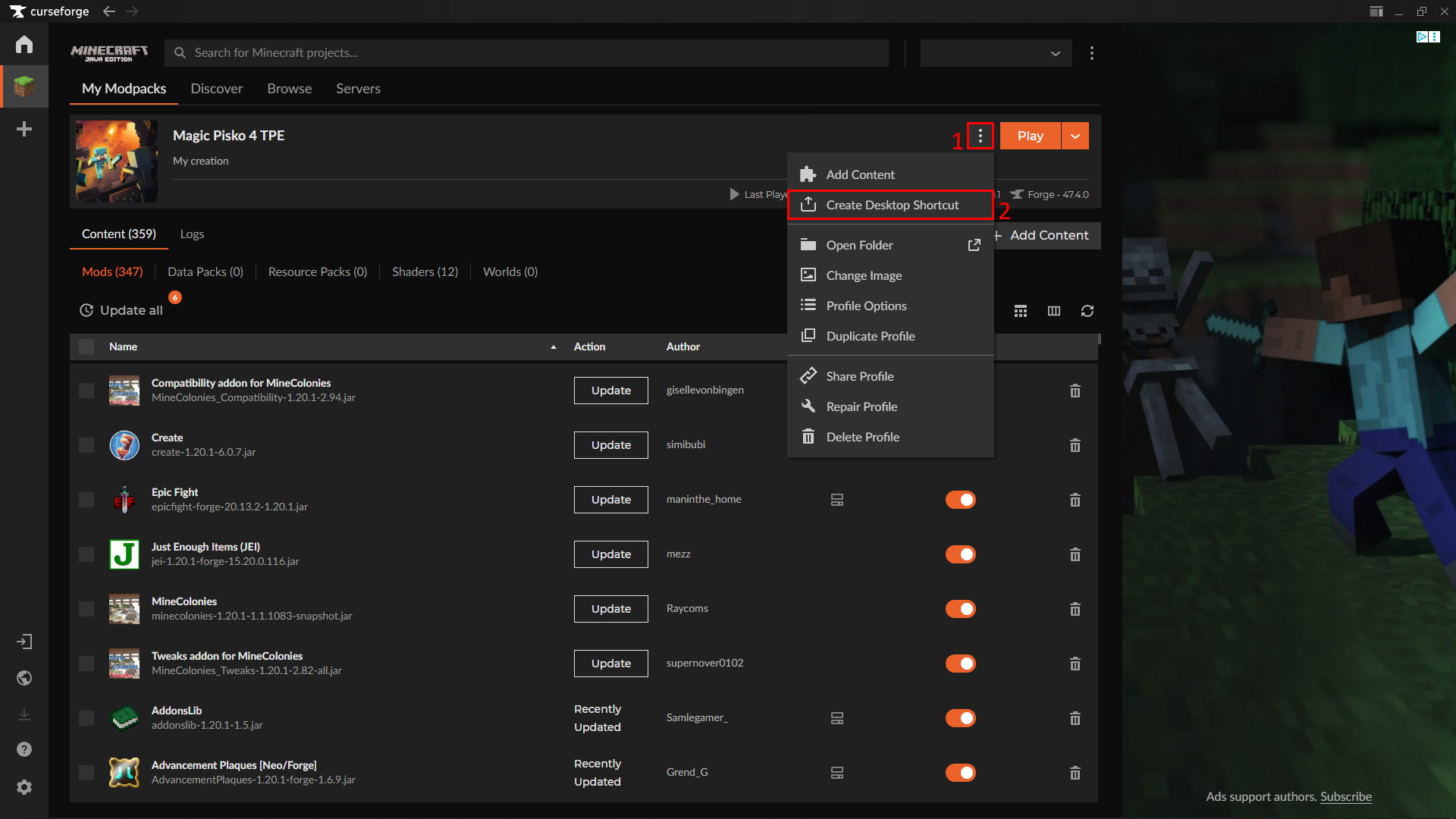
8 - [OPTIONAL] Create Desktop Shortcut
This is fully optional and you can decide to do this or not, but make sure to start the Pack the first time from the App to ensure correct starting
Final words
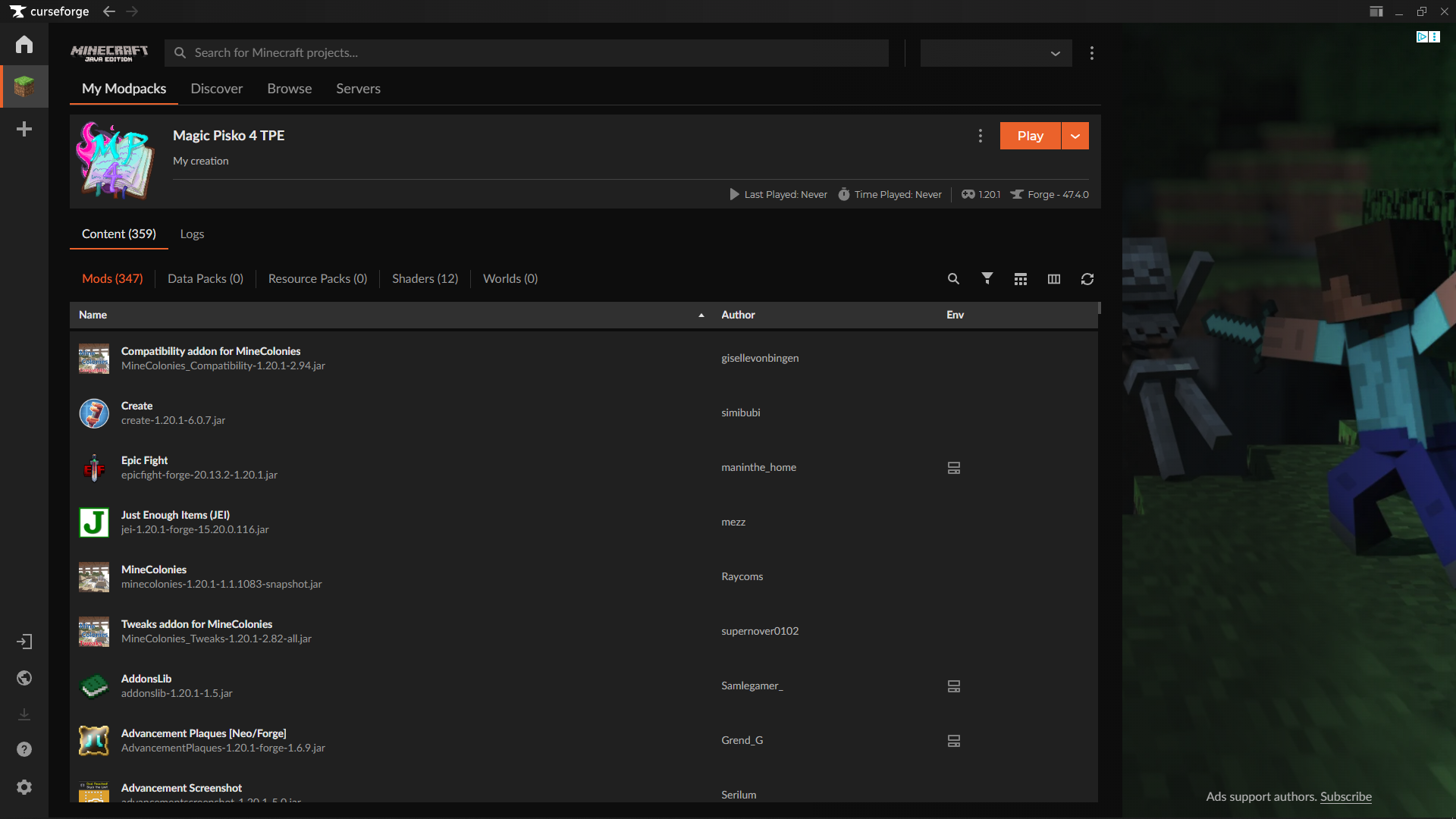
You now have a perfect Instance of Magic Pisko 4, do not panic if you don't see a Singleplayer Button in the Main menu as this is disabled in this pack. The Official Server should already be Configured for you.
No Comments